
Operator-Assisted Event Calls
Some calls are too important to run yourself. Our team screens every caller, runs the call from welcome to wrap-up, and sends you a full attendee report afterward. You focus on what you came to say.
Operator assist is a separately priced service. Tell us about your event and we'll put together a quote.
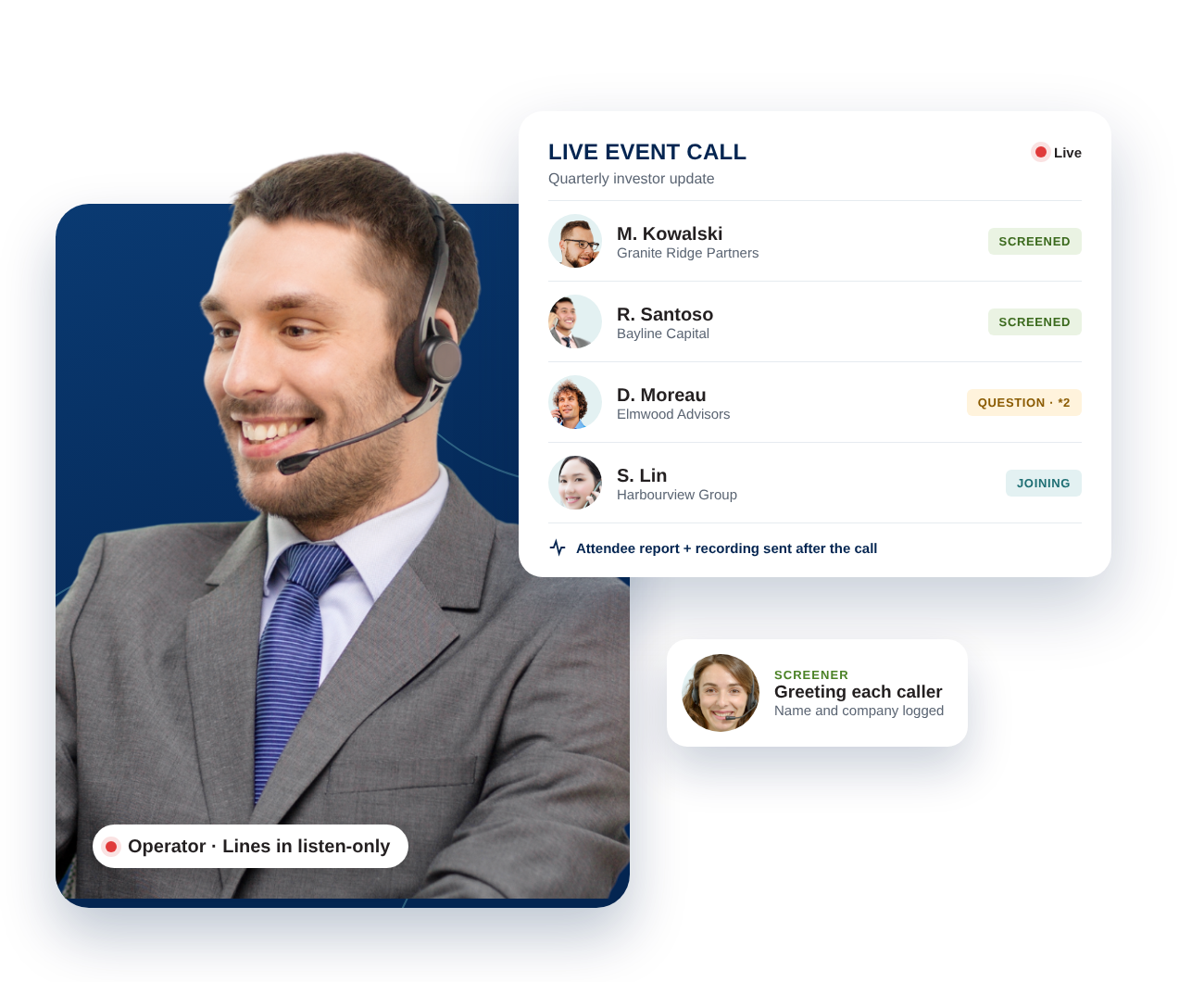
When the call matters, the details can't be left to chance
An earnings update or investor briefing isn't the moment to troubleshoot mute buttons or wonder who dialed in. A live operator handles the logistics so the call runs the way you planned it.
Know exactly who joined
Every caller is greeted by a screener and logged by name and company before they're admitted. No anonymous lines.
A calm, controlled room
Lines open in listen-only mode and the operator starts the call with a professional welcome. Your presenters walk into a quiet room.
Q&A that stays orderly
Callers press *2 to queue a question and the operator manages the line, so your speakers can concentrate on their answers.
Rehearsed before you go live
We run a full test call ahead of every event to check the setup and messaging, and fix anything we find before your audience dials in.
A complete record afterward
You receive an attendee report with every caller's name and company, along with the call recording.
Easy for every attendee
Participants join by phone. No downloads, no links to lose, nothing to install.
From first call to final report
You tell us about the event. We take care of the rest.
Set up and test
We configure your call and run a full mock call beforehand, so the setup and messaging are confirmed before anyone dials in.
Screen every caller
Our screeners greet each participant, record their name and company, and admit them to the call.
Run the event
The operator opens with a welcome, places lines in listen-only mode, hands off to your presenters, then runs the Q&A and closes the call.
Deliver the report
You receive the attendee log and the call recording together in one report.
A full team behind your call
Operator assist puts real people on your event: a dedicated operator to run the call, and a team of screeners to identify everyone who joins.
- Dedicated live operator
- Team of caller screeners
- Name and company captured for every caller
- Scripted, professional call opening
- Listen-only mode for all participants
- Operator-moderated Q&A (*2 to queue)
- Mock test call before the event
- Attendee report and call recording
Made for high-stakes conversations
Earnings calls
Present results to analysts and investors with a verified list of who attended.
Investor and shareholder updates
Keep a large audience in listen-only mode and take questions in an orderly way.
Company-wide announcements
Reach every team by phone with one clear, professionally managed call.
Client and partner briefings
Leave a polished impression and keep a record of who was on the line.
Two ways to reach a large audience
Callbridge Webinars give you a self-run video stage. Operator-assisted event calls give you a managed phone event. Many teams use both.
| Callbridge Webinars | Operator-Assisted Event Call | |
|---|---|---|
| Best for | Demos, training and marketing events | Earnings calls, investor updates and formal announcements |
| How people join | Video, from any device | By phone |
| Who runs it | Your team, with moderator controls | Our operator and screening team |
| Attendee identity | Registration details | Every caller screened for name and company |
| Q&A | Chat, polls and Q&A tools | Operator-moderated, *2 to queue |
| Afterward | Recording, transcript and smart summary | Attendee report and recording |
| Pricing | See Callbridge plans | Separately priced add-on |
Common questions
Is operator assist included with Callbridge Webinars?
No. Operator assist is a separate, add-on service with its own pricing. Contact us with your event details and we'll prepare a quote.
How do participants join the call?
Participants dial in by phone. A screener greets each caller, records their name and company, and admits them to the event.
What happens during the Q&A?
When your presenters are ready, the operator opens the question-and-answer session. Callers press *2 on their keypad to queue a question, and the operator manages the line before handing the call back to your presenter to close.
What do I receive after the call?
A report listing every caller by name and company, delivered together with the recording of the call.
How far ahead should I book?
As early as you can. We schedule a test call before every event, so more lead time gives us room to rehearse and confirm every detail with you.
Have an important call coming up?
Tell us the date, the audience and what you need. We'll handle the rest.